For freelancers, small businesses & everyday deals
Put it in writing. Get it signed.
Agreely turns a handshake into a clear, signed record — in about five minutes, from your phone. Pick a plain-English agreement template or let AI draft it, sign, and send one link. The other person signs in their browser. No lawyers, no per-seat pricing, no app for them.
E-signatures captured under the U.S. ESIGN Act & UETA
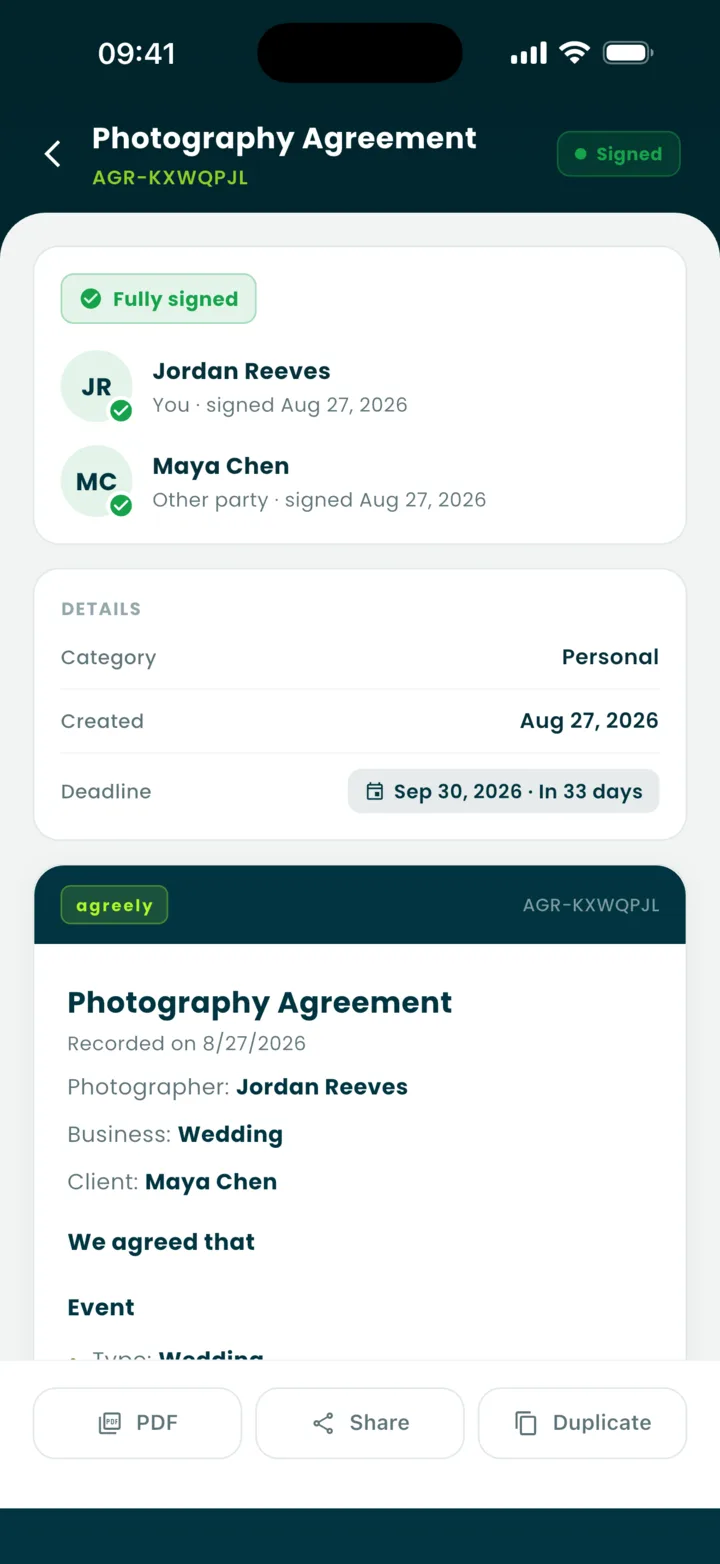
Signed by both partiesAGR-KXWQPJL · just now
They sign in the browserNo app, no account
52
plain-English templates
5
categories, personal to creator deals
$0
to start — unlimited agreements
0
apps the other party needs
The gap we fill
Enterprise tools are overkill. A text isn’t enough.
Most agreements between real people never get written down, because the tools for writing them down were built for legal departments. Agreely sits exactly between a verbal deal and an expensive contract.
Too little
A text message
Nothing to point to when memories differ. Screenshots, DMs, and “yeah, we said $500.”
Just right
Agreely
Plain English, real signatures, a frozen PDF with a certificate — in five minutes, from your phone.
Too much
Enterprise e-sign, or a lawyer
Per-seat plans, admin consoles, and retainers — built for companies, not for a weekend shoot.
Everything in one place
From idea to signed PDF, without leaving your phone.
Every piece of the flow is built for someone who is not a lawyer and does not want to become one.
A guided wizard, in plain English
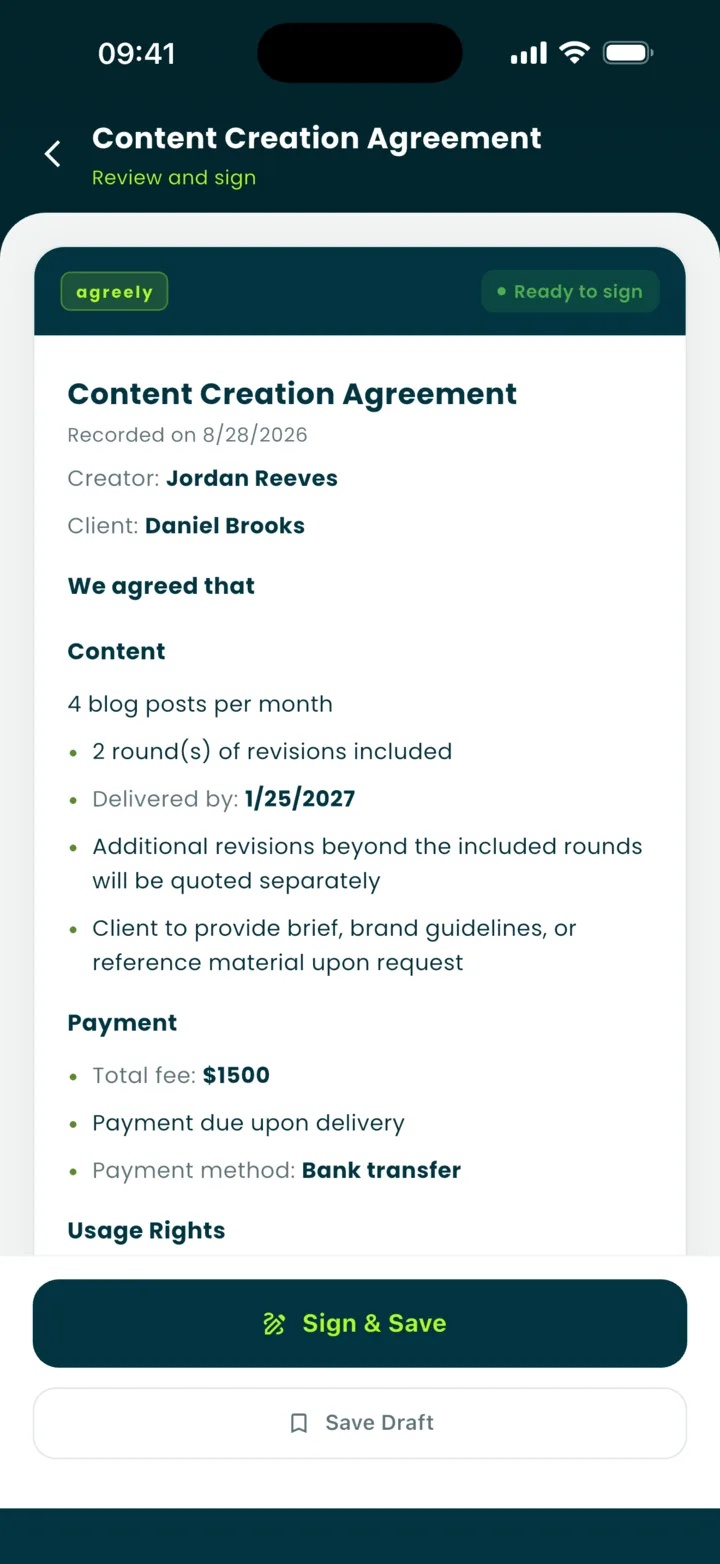
Answer five to seven questions in three short steps. The agreement writes itself underneath as you type, and validation catches a delivery date before the start date or a deposit larger than the fee — before anyone signs. Every template says “We agreed that…”, never “hereby”.
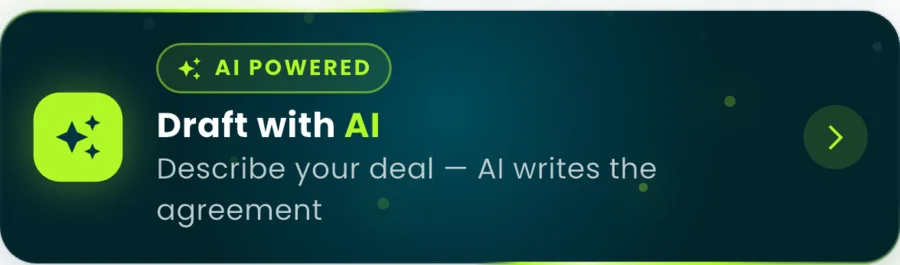
Draft with AI
Describe the deal in your own words — or dictate it — and AI writes a first draft straight into the wizard. You review every line before it becomes an agreement.
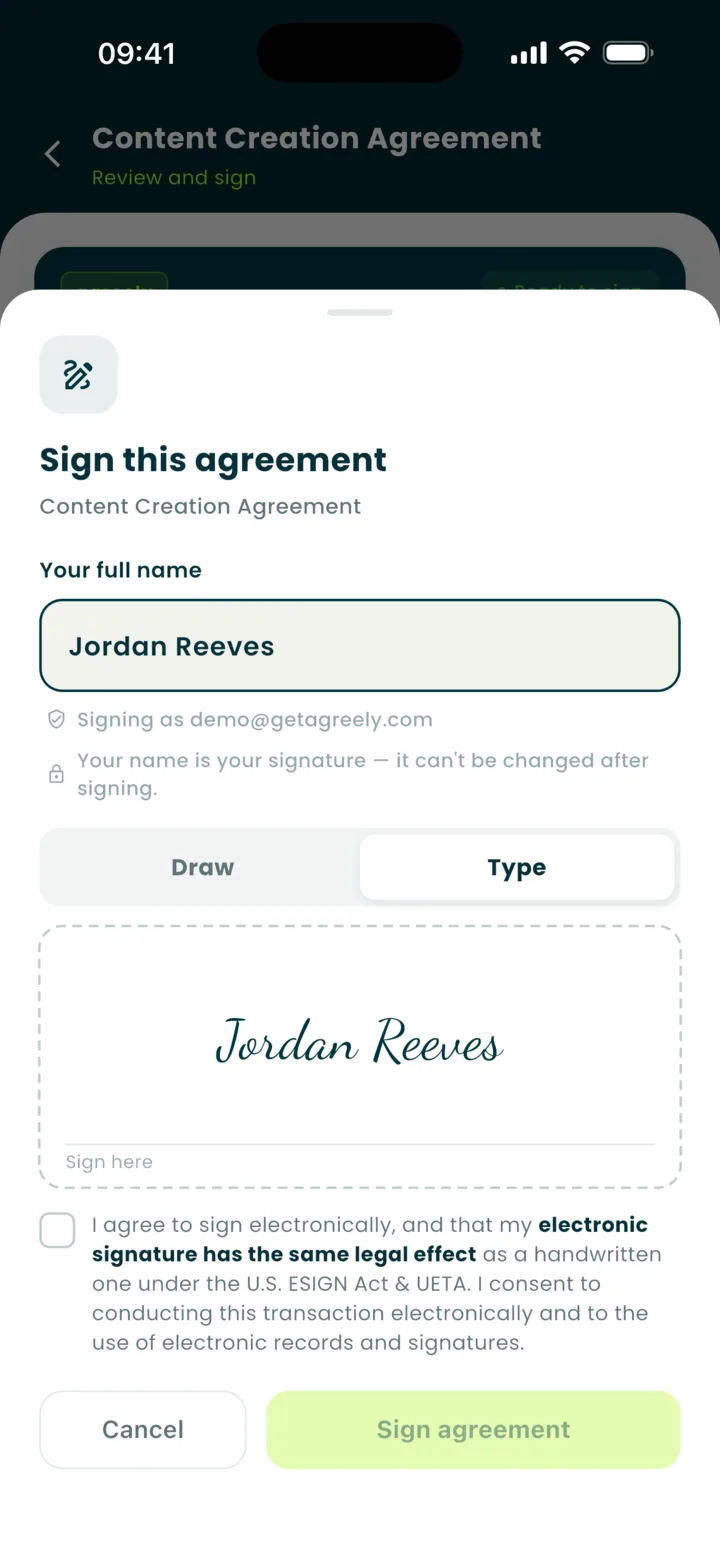
Sign by typing or drawing
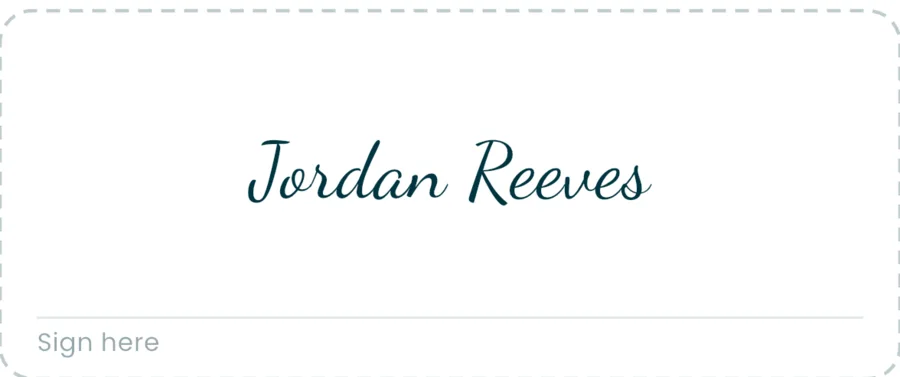
Type your full name or draw with your finger. Either way it is captured with your consent under the U.S. ESIGN Act and UETA, and saved so the next agreement is one tap.
One link. They sign in the browser.
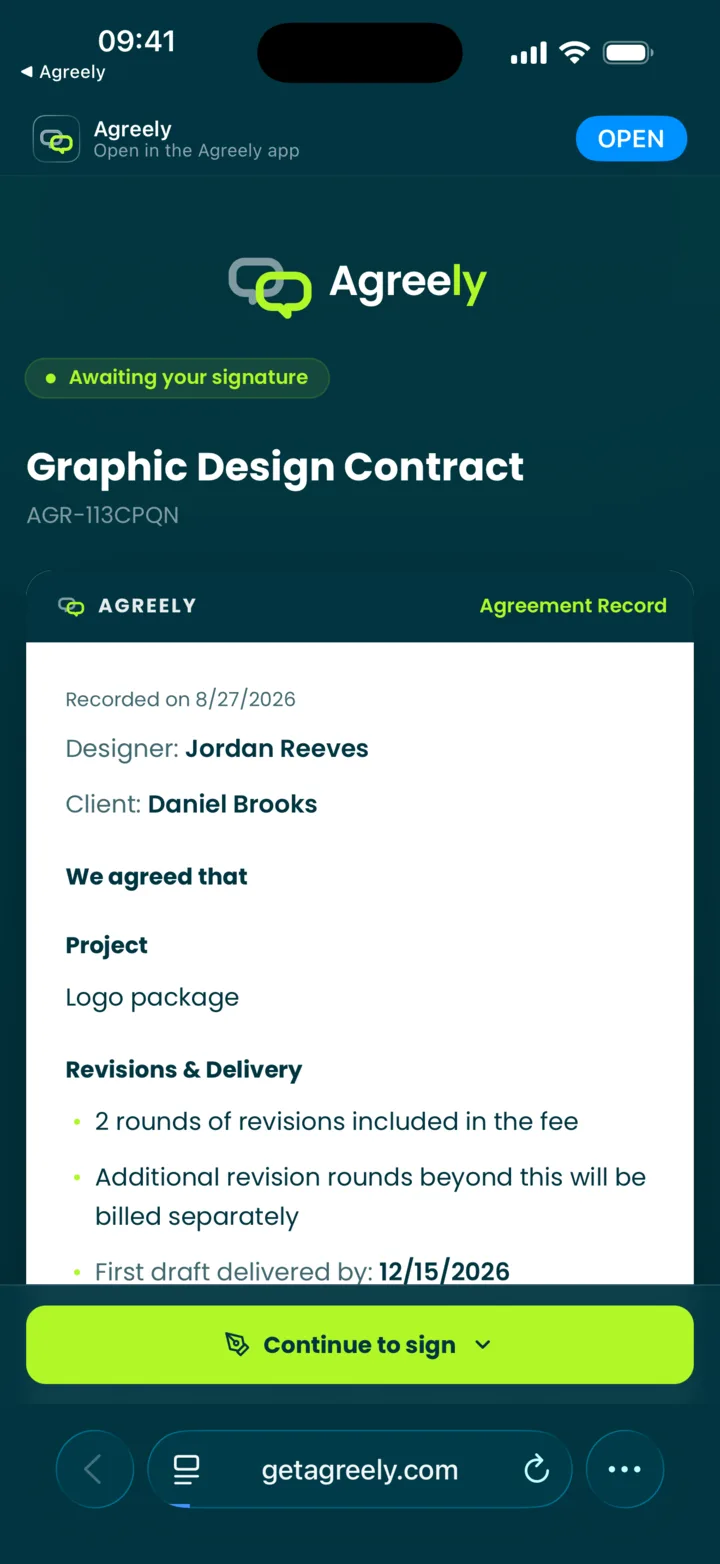
Send it by text, WhatsApp, or email. They read, type their name, and sign — or decline with a reason. No download, no account. Links work once and expire after 15 days.
Please sign this: getagreely.com/sign/…
Done — signed it from my phone.
Signed by both parties
Frozen PDF, certificate included
When both sides have signed, the PDF is frozen and fingerprinted. A certificate page carries the audit trail, and anyone can check the number at getagreely.com/verify.
Certificate of Completion
Certificate
AGR-CERT-K7M2-P9XQ-4TVB
SHA-256
F199-718F-1096 …
Completed
Aug 27, 2026 · 14:02 UTC
Know where every deal stands
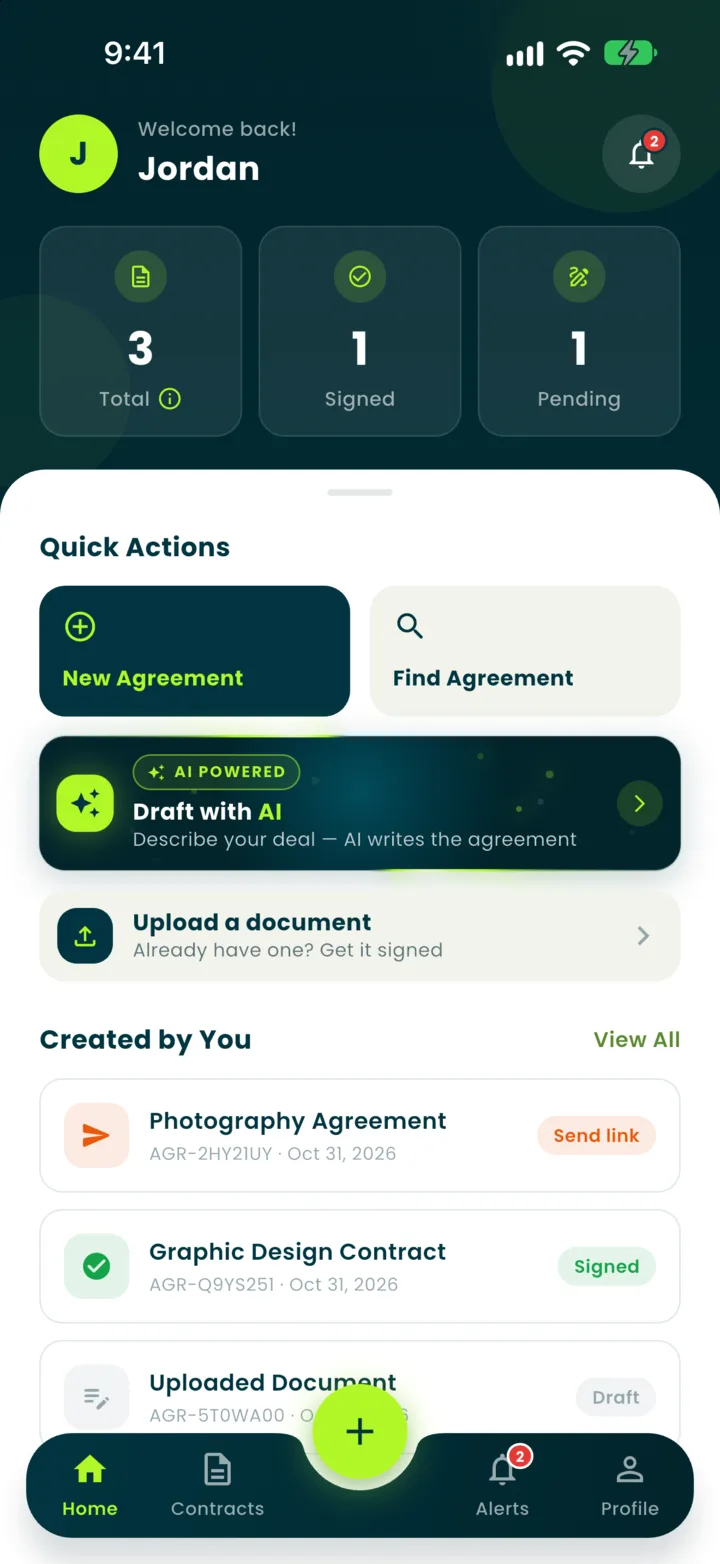
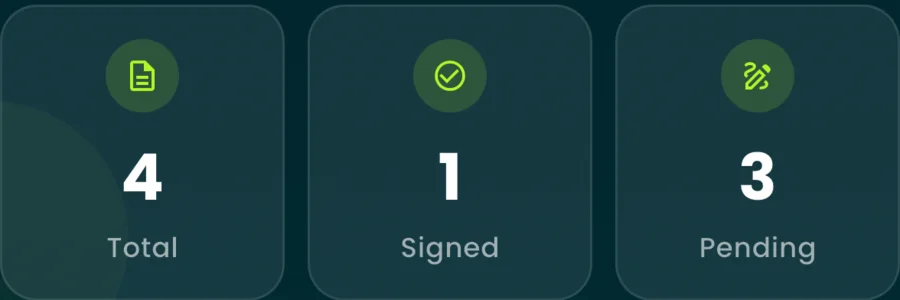
Drafts, awaiting signature, signed, declined — one list, one search. A push the moment it is viewed, signed, or declined. Premium adds deadline reminders and home-screen widgets.
New
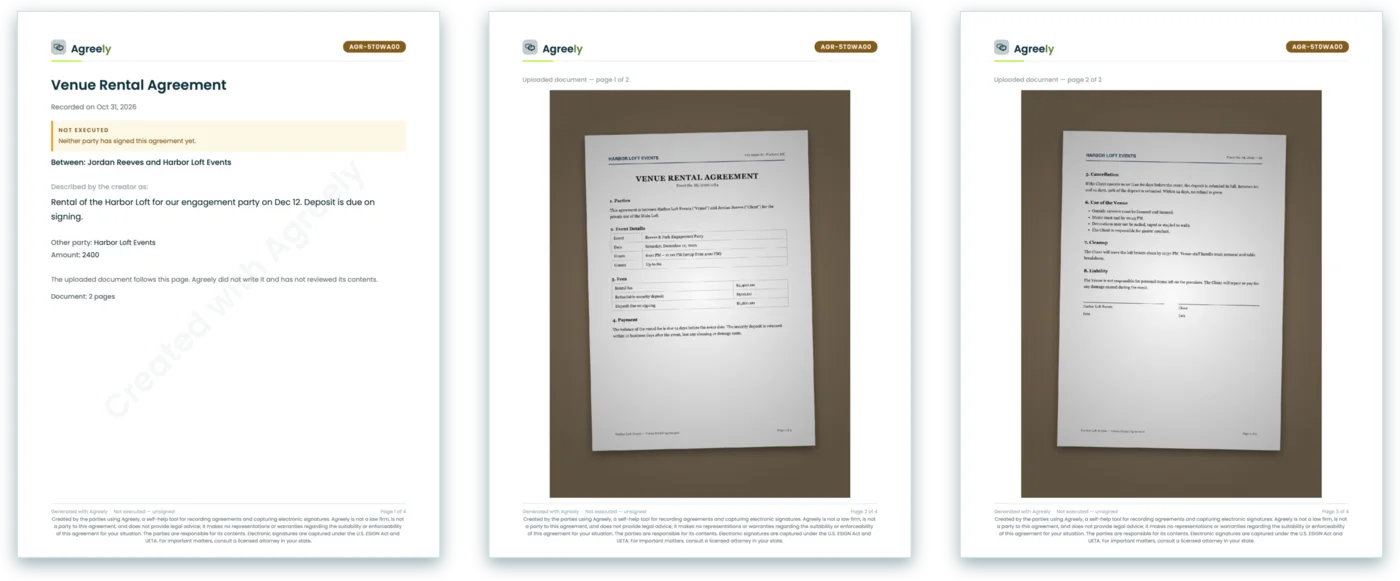
Already have a document? Upload it.
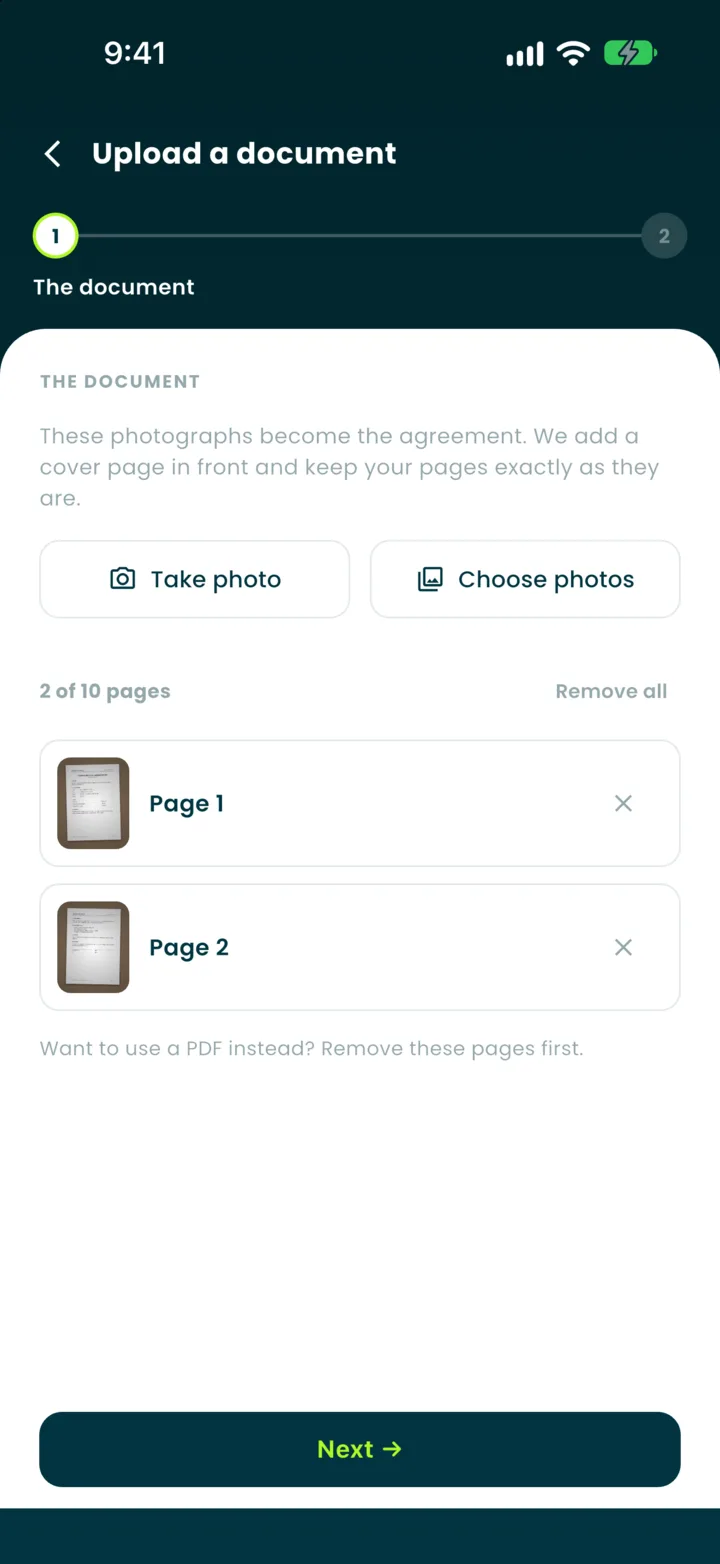
A lease, a quote, a contract someone emailed you — photograph the pages or pick the PDF. Agreely adds a cover page in front, keeps your pages exactly as they are, and the other person signs from the same one link. It is your document: we do not write or review it. You can try it on the free plan.
How it works
Four steps. Both sides covered.
About five minutes from a blank screen to a signed PDF with a certificate.
1
Pick a template
52 templates in five categories, an AI draft — or a document you already have.
2
Fill in the blanks
Guided questions, a live preview, and validation that catches mismatches.
3
Sign on your phone
Type or draw. Your name is your signature, with your consent recorded.
4
Send one link
They sign in their browser. The PDF is frozen and both of you get it.
The part that changes everything
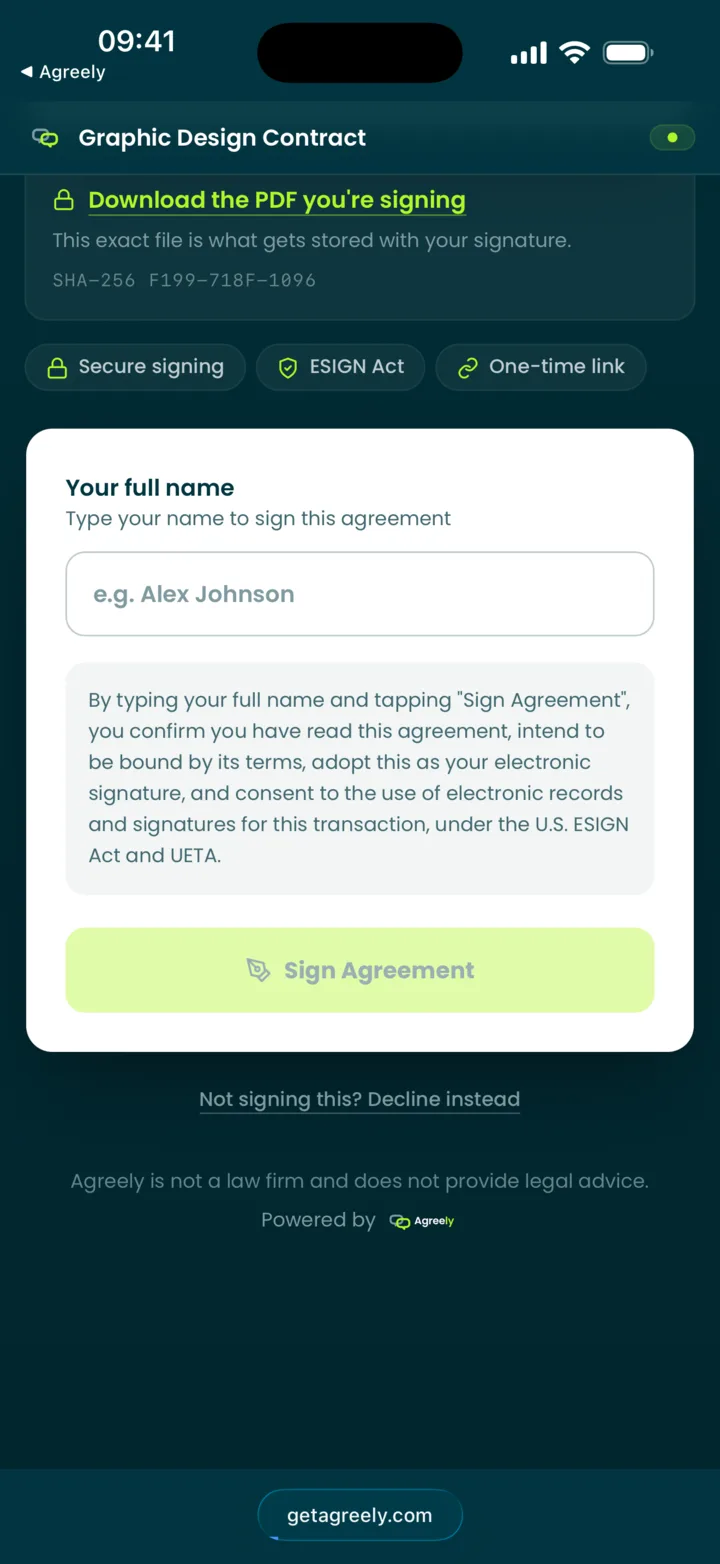
The other party never downloads anything.
They tap your link, read the agreement, type their name, and sign — right in their phone’s browser. That single change turns “I’ll send it later” into a deal that is signed today.
Any browser, no account — the link itself is the key.
They can download the exact PDF they are signing, fingerprint included, before they sign.
Declining is one tap, with an optional reason. You hear about it either way.
A push the moment it is viewed, signed, or declined — and the frozen PDF for both of you.
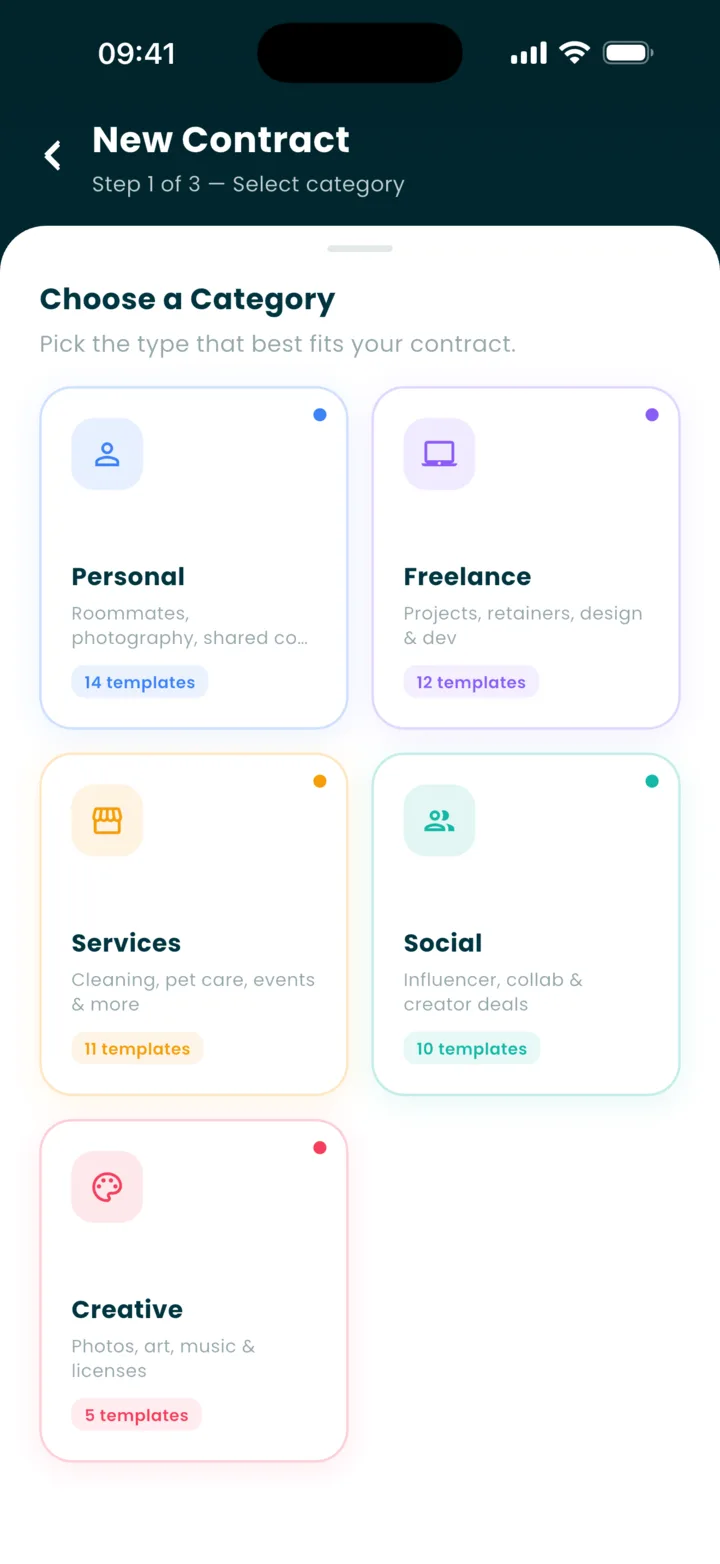
52 templates in five categories, every one written the way people talk. 38 are free; the 14 Premium ones are marked in the app.
Personal
14 templates
Roommates, shared costs, favors between friends
Roommate Agreement
Sublease Agreement
Shared Expense Split
Moving Help Agreement
Event Ticket Transfer
Photography Agreement
+ 8 more
Freelance
12 templates
Projects, retainers, design & dev
General Project Agreement
Monthly Retainer Agreement
Graphic Design Contract
Web / App Development Brief
Video Editing Agreement
Voice Over Agreement
+ 6 more
Services
11 templates
Cleaning, pet care, tutoring, events
Client Service Agreement
Cleaning Service Contract
Pet Sitting Agreement
Babysitting / Childcare
Personal Training Agreement
Lawn Care / Handyman
+ 5 more
Social & Creator
10 templates
Brand deals, collabs, sponsorships
Brand Collaboration Agreement
UGC Creator Agreement
Sponsorship Agreement
Affiliate Agreement
YouTube Collaboration
Podcast Co-Host Agreement
+ 4 more
Creative
5 templates
Licenses & releases for photos, art, music
Photography License Agreement
Illustration / Digital Artwork License
Beat / Music License Agreement
Model Release Agreement
Event Photography Agreement
Something else? Describe it.
Draft with AI writes a first draft from a sentence or two — or from your voice. It lands in the same wizard, so you still review every line before it becomes an agreement.
Under U.S. law it is the audit record — not a cryptographic seal — that carries an electronic signature. Agreely keeps that record carefully, and lets anyone check it.
Frozen at signing
Once both sides sign, the PDF is frozen and its SHA-256 fingerprint stored. The app cannot write to a completed agreement — the content, the signatures, and the status are closed.
An audit trail on the certificate
Who signed, when, how (typed or drawn), from which IP and device, when it was viewed, and any decline — printed on the certificate page of the PDF, for the parties only.
Public verification, zero personal data
getagreely.com/verify answers yes or no for a certificate number and can check a PDF against the stored fingerprint. It never shows names, addresses, or the agreement itself.
Private by design
Agreements are visible only to their parties. Signing links are unguessable, one-time, and never logged in the clear. Your signature stays out of iCloud and Google Drive backups.
Subscriptions renew automatically unless you cancel at least 24 hours before the period ends. Manage or cancel anytime in your App Store or Google Play settings.
FAQ
Questions, answered.
Is an Agreely document legally binding?
It can be. Agreely captures signatures under the U.S. ESIGN Act and UETA — the same framework larger e-signature services rely on — and records the time, IP address, and device for each one. But Agreely is not a law firm, is not a party to your agreement, does not review its content, and makes no representations or warranties about whether a given agreement is valid or enforceable for your situation. For anything involving significant money, legal, or personal risk, have a licensed attorney in your state look at it.
Can I try it before making an account?
Yes. Open the app and tap “Try it free — no account”. Pick a sample agreement, fill it in, sign it, and see the page the other person would get. Nothing you enter is saved; when you are ready to send a real one, the app asks you to sign up.
Can I sign a document I already have?
Yes. Tap “Upload a document”, then photograph its pages (up to ten) or pick a PDF, and add a few lines about what it is. Agreely puts a cover page in front, keeps your pages exactly as they are, and you send the same one link — the other person reads every page and signs in their browser. Agreely did not write the document and does not review it; the cover page says so. You can try it on the free plan; Premium includes more uploads every month.
Does the other person need the app?
No. You send them a link by text, WhatsApp, or email. They open it in any browser, read the agreement, type their name, and sign — or decline. No download, no account. If they do have Agreely, the same link opens the agreement in their app.
How long is a signing link valid?
Fifteen days from the moment you sign your side, and it works exactly once: after a signature or a decline it is spent. The expiry date is shown in the app. Links cannot be extended — if one lapses, you create a fresh agreement. Your own access to your documents never expires.
Can I draw my signature instead of typing it?
Yes. Type your full name or draw with your finger; both are captured with your consent under ESIGN and UETA. Save one and the next agreement is a single tap.
Can I see exactly what I am signing?
Yes. Before you sign, you can download the exact PDF that will be stored with your signature, along with its SHA-256 fingerprint. Afterwards, the file in your hands can be checked against that fingerprint at getagreely.com/verify.
What happens after both sides sign?
The status flips to Signed, the PDF is frozen and fingerprinted, and a Certificate of Completion page is added with the audit trail. Both parties can download the signed PDF; the app cannot change a completed agreement afterwards.
How do I prove a signed PDF is genuine?
Every completed agreement carries a certificate number and a QR code. Enter the number at getagreely.com/verify — or scan the code — and the page answers whether it is a real, unaltered Agreely certificate. It can also compare a PDF file you hold against the stored fingerprint. Nobody needs an Agreely account to check, and the page shows no names, addresses, or content.
What is free and what is Premium?
Free is the whole product: unlimited agreements and drafts, signing by typing or drawing, most templates, a monthly allowance of signing links and AI drafts, a free try at uploading your own document, and PDFs with a light watermark. Premium ($9.99 a month, or $59.99 a year — 50% less) removes the signing-link cap, unlocks every template, puts your logo on the PDF instead of the watermark, and adds Duplicate, widgets, reminders, more document uploads, and an unlimited archive.
Can I delete my account?
Yes, from the app (Profile → Delete Account) or from getagreely.com/delete-account without the app. Before anything is removed you see a summary of what happens to each of your agreements.
Your next deal deserves to be written down.
Download Agreely and turn your next handshake into a clear, signed record — in about five minutes.